

A work week schedule template is more than a task list. It’s a framework for your team to plan shifts, projects, and priorities. It’s a shared map of who is doing what, and when.
Why Traditional Work Schedules Are Failing Your Team
The rigid 9-to-5, 40-hour work week is a relic. Forcing a modern team into that box creates problems. It ignores how people actually live and work today.
This old model assumes everyone is productive during the same hours, which isn't practical. Sticking to a rigid structure leads to disengagement, burnout, and a disconnect between job demands and what your team can deliver.
The Rise of Flexible Work Models
The conversation has shifted. It’s no longer about counting hours at a desk; it’s about measuring output. This change is driven by trends that make traditional schedules feel obsolete.
- Part-time preference: A large part of the workforce operates on reduced hours. A full-time template is irrelevant to them.
- Four-day work weeks: Companies are experimenting with condensed work weeks to improve well-being and focus.
- Hybrid arrangements: With teams split between office and home, scheduling needs a deliberate approach to ensure collaboration happens.
These aren't fringe cases. They represent a real shift in how work gets done. Here in the Netherlands, this flexibility is already part of the work culture.
Dutch employees worked an average of 1,344 hours in 2023, which is about 32.1 hours per week. That’s below the EU average of 36.1 hours. You can see more data on European work patterns to compare trends across the continent.
The point is to build a work week schedule grounded in how your team actually works, not how you think they should work. An effective schedule must reflect the real-world constraints and natural rhythms of your people.
Cultural and Structural Realities
It's not just about employee preference. External factors can make a rigid schedule impractical.
In the Netherlands, for example, school days often end early. That reality shapes the availability of working parents, making a strict 9-to-5 a source of conflict.
If you ignore these cultural norms when designing a work schedule, you’re setting yourself up for failure. You’re imposing a structure that clashes with daily life and forces team members into a constant juggle. That friction kills productivity and morale.
Before building a template, you have to understand these realities. A data-informed approach is the only way to create a schedule that supports your team instead of fighting against them.
Gathering The Right Data To Build Your Template
To build a schedule that works, start with data, not guesswork. It's tempting to ask people how they feel or make assumptions about their productivity. That approach leads to a template that looks good on paper but fails in practice.
The goal is to move beyond vague feelings of "being busy" and get an objective picture of your team's habits. This data becomes the foundation for a schedule built around how people actually work.
What Metrics Actually Matter
To get a clear picture, look at specific indicators that reveal the rhythm of the workday. This isn't about surveillance; it's about understanding workflow patterns.
Focus on data that answers a few key questions:
- Peak Activity Hours: When is the team most active? Pinpointing these periods tells you when to schedule collaborative tasks.
- Application Usage: Which tools get the most screen time, and for how long? This shows where the work happens and can uncover software dependencies.
- Context Switching: How often do people jump between apps? High frequency is a sign of a fragmented workflow and an opportunity for improvement through better time blocking.
This process is about moving past outdated work models. You're questioning the old 9-to-5 structure and building a smarter one based on evidence.
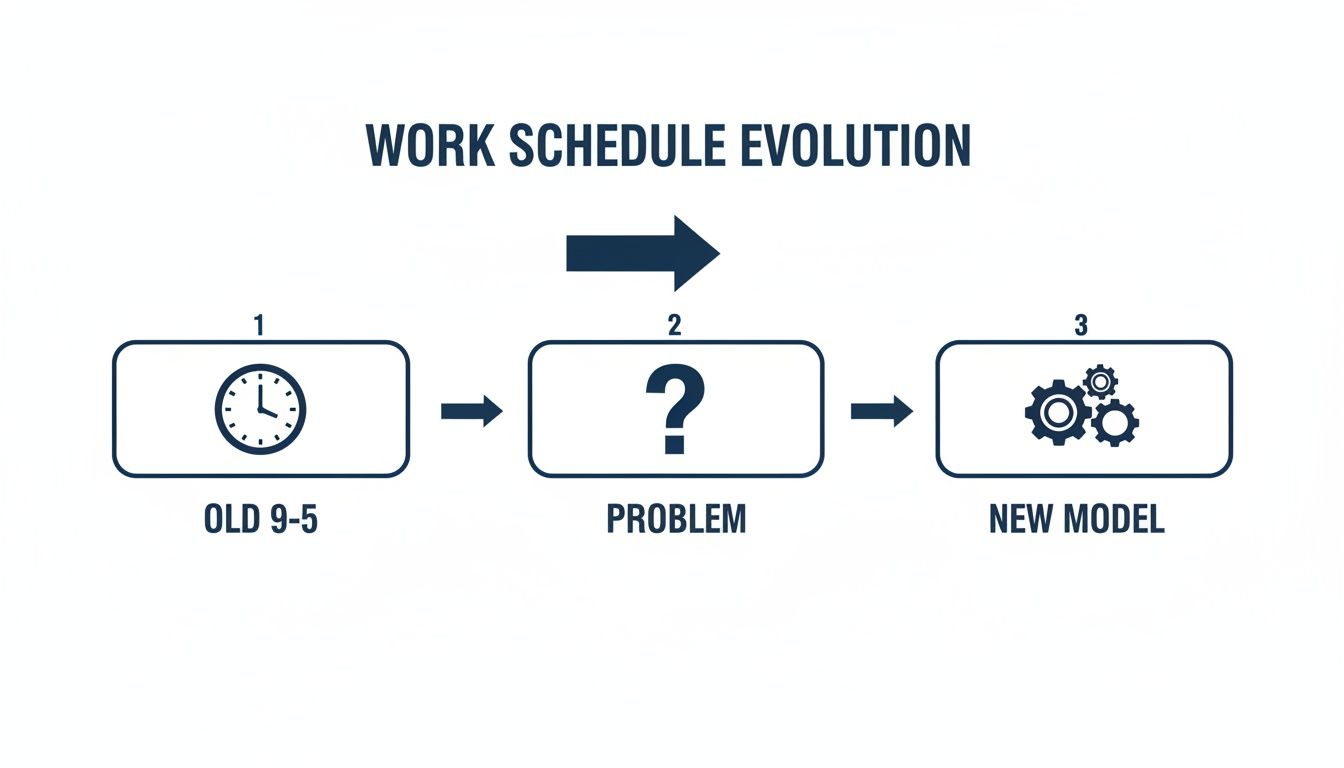
The first step is admitting the old way has problems. Only then can you build something better.
How To Collect Workflow Data
Gather this information with tools designed for privacy-first analytics. A platform like WhatPulse Professional can measure workflow metrics without capturing sensitive details like screen content or specific keystrokes. This gives you objective data while keeping employee trust.
You can set it up to track keyboard and mouse activity levels, a good proxy for focus. You can also see application dwell times, which might reveal that certain tasks take longer than anyone realized.
Aggregating this data across the team gives you a true baseline of current work patterns. Learn more about putting these insights to use in our guide on turning raw data into smart decisions.
This data-driven foundation is non-negotiable. Without it, your new schedule is just another document that dictates workflow instead of supporting it.
Designing Your Core Work Week Schedule Template
You have the data. Now, build a work week schedule template that works. This isn't about a rigid, minute-by-minute plan. It’s about designing a flexible framework that guides your team toward better work patterns.
The goal is to structure the week around your team's natural energy peaks and workflow needs. A good template gives a clear visual separation between different types of work, so everyone knows when to focus and when to connect.
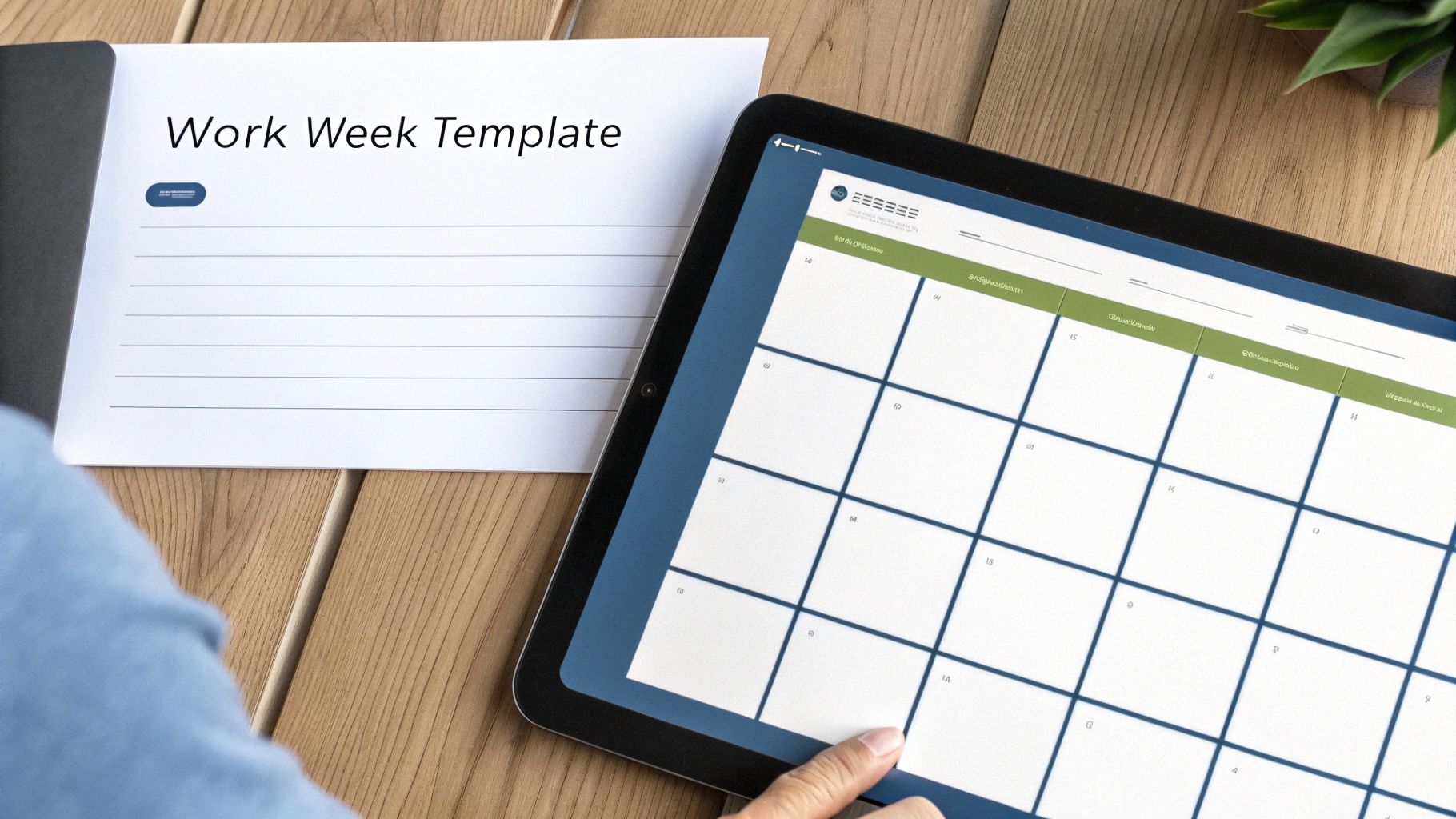
The Building Blocks of an Effective Template
First, define the core components. Think of these as the basic time categories for the week. While specifics will vary, most templates are built on these three blocks:
- Deep Work Blocks: These are non-negotiable, interruption-free zones for focused work. Use your data to schedule them during the team's peak activity hours. For many people, that means a solid chunk of the morning.
- Collaboration Hours: This is a set window—maybe from 13:00 to 16:00—where everyone agrees to be available for meetings and calls. It corrals the chaos of constant pings and protects deep work blocks.
- Administrative Time: This is for clearing the inbox, filling in reports, and other tasks that don't need intense brainpower. Batching this into a specific slot, like late afternoon, stops it from eating away at productive hours.
Once you have your data sorted, this practical guide to building a work-from-home schedule offers hands-on strategies for shaping these blocks into an effective week.
Customising for Different Team Roles
A one-size-fits-all template doesn't work. An engineering team's ideal week looks nothing like a finance department's. This is where your application usage data is useful.
For instance, if your WhatPulse data shows engineers spend 70% of their time in their code editor, their template must prioritize long, uninterrupted deep work blocks. Their collaboration time might be shorter but more structured, focused on code reviews or sprint planning.
A finance team's data might show heavy use of accounting software, but with frequent pings on communication apps. Their template might work better with shorter focus blocks mixed with more frequent, smaller windows for collaboration to handle queries.
Let the data drive the design. If a team’s most critical work happens in a specific application, their schedule must give them protected time in that environment.
Here’s a breakdown of how you might structure templates for different departments based on their needs and data from a tool like WhatPulse.
Template Components for Different Team Needs
| Team Type | Key Template Component | Example Metric (from WhatPulse) | Rationale |
|---|---|---|---|
| Engineering | Long, uninterrupted deep work blocks (3-4 hours) | High % of time in IDEs & dev tools | Complex problem-solving requires sustained focus with minimal context switching. |
| Sales | Shorter focus blocks (60-90 mins) & defined "call blitz" periods | High usage of CRM & VoIP applications | Balances focused prospecting with the need for immediate availability for client calls. |
| Marketing | A mix of collaborative "creative" blocks and individual "production" blocks | Balanced usage of design software, CMS, and communication apps | Supports both brainstorming sessions and the focused work needed to create content. |
| Finance | Defined admin blocks & shorter, more frequent collaboration windows | High usage of spreadsheets & accounting software | Allows for concentrated data entry and analysis while being available for urgent financial queries. |
This table shows how the same core principles can be adapted to fit how different teams get work done. The data takes the guesswork out of it.
Don't Forget Flexibility and Autonomy
A template is a guide, not a straitjacket. People value autonomy. In the Netherlands, a strong hybrid working culture has made flexibility the norm. As of 2024, about two-thirds of Dutch workers aged 15 to 74 say they have a say in how they do their jobs.
This means building flexibility into the template. Your "core collaboration hours" might be fixed, but the deep work blocks can be fluid. As long as the focused work gets done, it doesn’t always matter if it happens at 9:00 or 11:00. This approach respects individual working styles and makes it a schedule people will follow.
Adapting Your Template for Part-Time and Hybrid Roles
A standard 9-to-5 schedule is useless for a huge part of your team. The modern workforce, especially in the Netherlands, is built on part-time contracts and hybrid working arrangements. If your template ignores this, it’s failed.
Abandon the "one-size-fits-all" mindset. Customizing your template for these roles means creating variations that are fair, clear, and productive from the start.
Prorating Expectations and Workload
The most common mistake is applying full-time expectations to part-time hours. It’s a path to burnout. Prorate everything—projects, meetings—based on contracted hours.
- Project Load: If a full-time employee (40 hours) handles five projects, a team member working 24 hours (60% of the time) shouldn't be assigned more than three.
- Meeting Attendance: Review recurring meetings. A part-time employee shouldn't attend every single one if it eats up too much of their limited time.
- Communication Channels: Clarify which channels are essential to monitor on their working days and which can wait.
This isn’t about lowering standards. It’s about setting realistic goals that match the hours available.
Scheduling for Different Arrangements
Here are a couple of examples of how to adapt your work week schedule.
Scenario 1: The Three-Day Week Employee An employee works Monday, Tuesday, and Thursday. Their schedule needs to maximize their impact on those days.
- Monday: Use this day for planning and key collaborative meetings to align for the week.
- Tuesday: Block out four hours for uninterrupted deep work. No meetings.
- Thursday: Focus this day on wrapping up tasks and a brief handover meeting before their "weekend."
Scenario 2: The Hybrid Employee (In-Office Tues/Thurs) A team member is in the office two days a week and works from home the other three. Build their schedule around their location.
- Office Days (Tues/Thurs): Prioritize face-to-face collaboration, team-building, or access to office equipment.
- Remote Days (Mon/Weds/Fri): Schedule long blocks for deep, focused work that thrives in a quiet home environment.
Design the week around the constraints, not in spite of them. A good schedule accepts that a hybrid employee's most focused work might happen at home. That's smart.
This approach is vital in the Netherlands, where part-time work is a core part of the culture. In 2023, only 13 percent of Dutch families with children were single-income households. Local school schedules often finish between 2 p.m. and 3 p.m., directly shaping parental work patterns. Adapting your schedules aligns with how people live.
How To Roll Out And Measure Your New Schedule
A good work week schedule template is just a document until people use it. The rollout is where your plan meets reality. How you introduce it can make or break its success. The goal is to prove the new schedule improves how work gets done.
Frame this change around its benefits. This isn’t micromanagement. It’s about creating clarity, protecting focus time, and cutting down interruptions. Walk them through the data you gathered, show how it informed the design, and connect it to solving real problems, like meeting overload.

From Announcement To Adoption
A successful launch is a phased process, not a single email. Start with a pilot group. Pick one or two teams feeling the pain of the current system. This gives you a safe space to gather feedback and fix problems before going company-wide.
Here's how to approach it:
- Communicate the "Why": Explain the problems the new schedule solves. Use your initial data to show the reality—the context switching, the after-hours work.
- Run a Pilot Phase: Let the pilot team try the new schedule for a couple of weeks. Schedule short check-ins to hear what’s working and what isn't.
- Gather Qualitative Feedback: Data is great, but also ask people how it feels. Do they feel more focused? Is collaboration easier? Their experience is gold.
After the pilot, refine the template based on what you’ve learned before rolling it out to everyone. This approach creates buy-in because the team feels part of the solution.
Measuring The Impact Quantitatively
This is where you prove the change was worth it. Compare the data you gathered before the change with new data collected after a few weeks. A tool like WhatPulse Professional is built for this, letting you track the exact metrics that show if the new schedule is working.
You’re looking for specific, tangible improvements.
Your goal is to move the work week schedule from a static document to a dynamic tool. The data tells you where to make the next adjustment.
The metrics below give you hard evidence that the new structure is delivering benefits. For a deeper dive into setting this up, you can learn more about establishing baseline metrics for continuous improvement and how to apply them.
Key Metrics To Track Post-Implementation
| Metric | What to Look For | Why It Matters |
|---|---|---|
| Focus Time | An increase in sustained activity within core applications (e.g., code editors, design software). | Shows that the protected "deep work" blocks are working and reducing interruptions. |
| Context Switching | A decrease in the frequency of switching between different applications. | Indicates that work is better organised and employees can concentrate on one task for longer. |
| Application Usage | A shift in usage patterns to align with the new schedule (e.g., communication apps used more during "collaboration hours"). | Confirms that the team is adopting the new structure and using their time as intended. |
| Activity Outside Core Hours | A reduction in keyboard and mouse activity late at night or on weekends. | Suggests a healthier work-life balance and shows the schedule helps people get work done within contracted hours. |
Tracking these numbers provides clear proof that the new schedule is working. This data justifies the change to leadership and gives you insights for future refinements.
Answering the Tough Questions About Work Schedules
Even with the best data, a new schedule can make people nervous. And that’s fair. Any change that touches on how people manage their day will bring up questions.
The best way forward is to tackle these concerns head-on. Being transparent builds the trust you need to make the new structure work.
"How Much Flexibility Will I Actually Have?"
This is almost always the first question. People hear "schedule template" and think of a rigid, minute-by-minute plan.
That’s not the goal. A good template is a framework, not a cage. It’s designed to protect your focus.
Usually, the only fixed part of the day is the block of core collaboration hours. How you structure your deep work time around that is up to you. If you hit your stride between 10:00 and 14:00, that’s when you should schedule your most demanding tasks. It’s about autonomy within a supportive structure.
"Is This Just Another Way to Track Me?"
No. This isn't about monitoring individuals or checking who's at their desk. It's about understanding how the team works as a whole.
The data we look at is always anonymised and aggregated. We’re interested in patterns, like which applications get the most use or when the team collectively hits its peak activity.
The point is to find system-wide bottlenecks—like back-to-back meetings constantly derailing focus time—and fix them. It's about optimising the system, not scrutinising the people in it.
We’re looking for trends, not keystrokes. This approach helps us make smarter decisions that help the team, like spotting underused software or proving the need for more protected deep work time.
"What if My Week Doesn't Go According to Plan?"
It won’t. And that's okay. Unexpected tasks, urgent client emails, and last-minute problems are part of work. A well-designed work week template is built to be adaptable.
Think of it like using a GPS. If you hit a roadblock, you don’t throw the map out. You find a new route.
The template gives you a baseline. When things change, it makes it easier to see what you need to shuffle. Instead of letting one urgent email derail your week, you can make a conscious trade-off and get back on track.
Ready to build a schedule based on reality, not assumptions? WhatPulse provides the privacy-first analytics you need to understand your team's workflow and create a template that actually works. Learn more about what WhatPulse Professional can do for you.
Start a free trial