
A business process is the sequence of steps your team follows to get something done. It could be onboarding a new hire or approving a software purchase. BPM, or Business Process Management, is the discipline of analyzing, improving, and automating those steps. It’s not a one-time project; it's a continuous way of operating.
What is a BPM Business Process?
Think about any recurring task in your organization. It almost certainly follows a path, whether you've defined it or not.
Take a software procurement request. It might start with an employee filling out a form, then move to their manager for a signature, over to IT for a security check, and finally to finance for the purchase. Without a clear BPM business process, this workflow likely exists in scattered emails, chat messages, and hallway conversations.
This ad-hoc approach is inefficient. Requests get lost in inboxes, approvals get stuck waiting for someone on vacation, and no one has a clear view of where things stand. BPM gives you a framework to fix this by treating that workflow as a company asset.
The core idea is to shift from chaotic, informal steps to a structured, visible, and repeatable system. This means looking at the entire process from start to finish, not just trying to speed up one person's part of the job.
The Lifecycle of Improvement
BPM works in a continuous cycle, making sure your processes don’t become obsolete as the business changes. It is about ongoing refinement.
This diagram shows the simple loop at the heart of any BPM initiative: Analyze, Improve, and Automate.
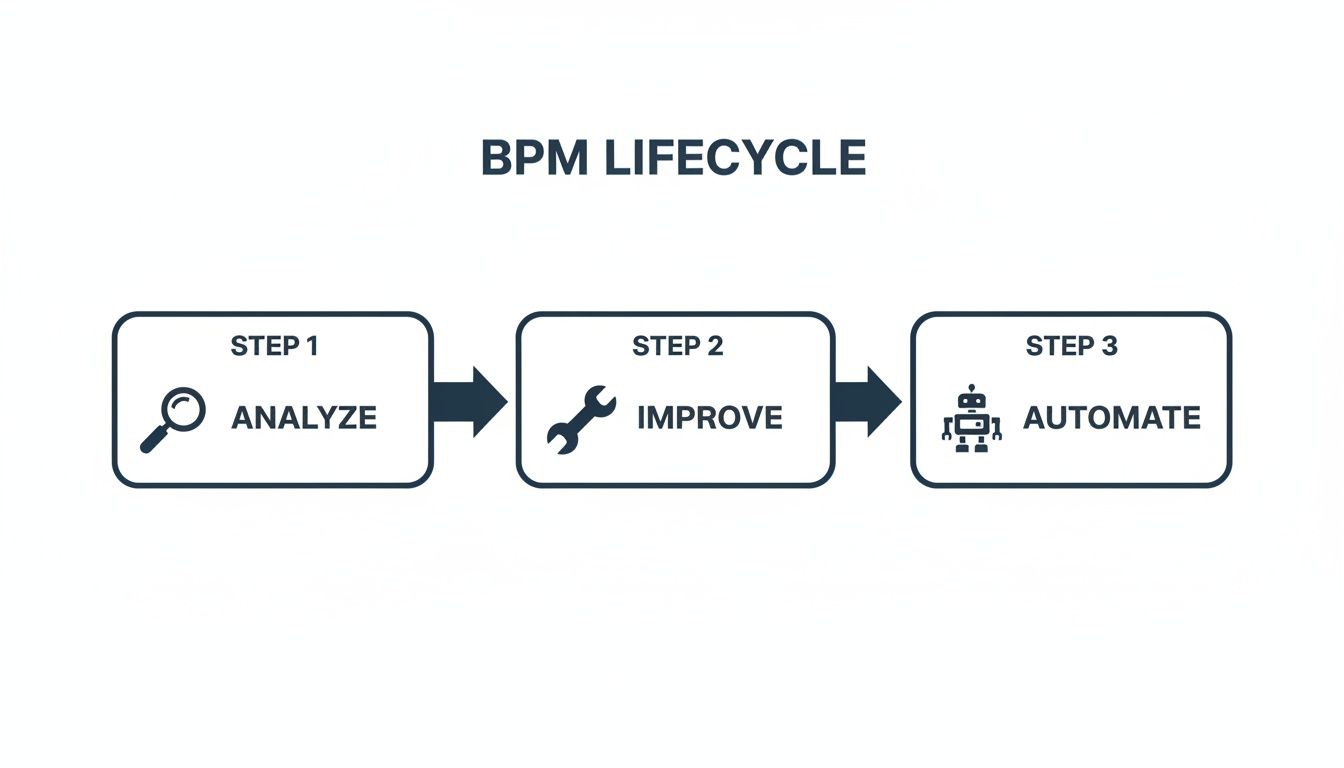
Each stage flows into the next, creating a system of gradual improvement. This turns process management from a reactive chore into a proactive strategy. You can learn more about the fundamentals in our guide to the process management process.
This structured way of thinking changes how work gets done. By formalizing a BPM business process, organizations usually see a few immediate benefits:
- Increased Visibility: Everyone involved can see the status of a request at any time. No more guessing games or constant follow-up emails.
- Greater Efficiency: By spotting and removing bottlenecks, tasks move through the system faster and with fewer errors. This frees people for more valuable work.
- Improved Consistency: Standardized processes mean tasks are done the same way, every time. This leads to predictable, high-quality results.
At its core, BPM is about taking control of your workflows. It’s the difference between letting work happen to you and actively designing how work gets done. It replaces ambiguity with clarity, which is the foundation for any meaningful improvement.
Mapping and Modeling Your Current Processes
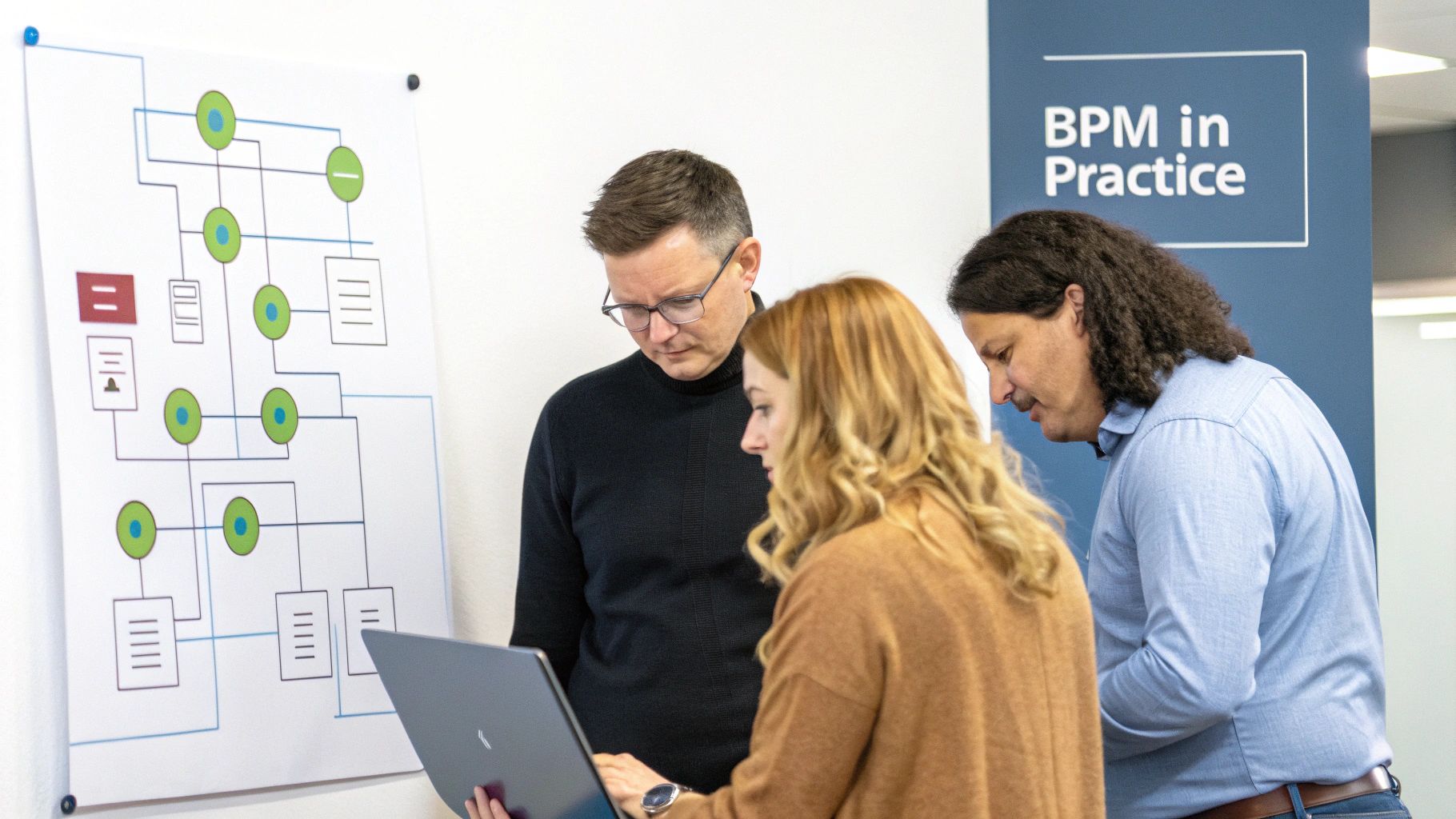
You can’t fix a process you don’t understand. Before you can automate or optimize, you need a brutally honest picture of how work gets done right now—not how the manual says it should happen, but how it actually unfolds. This is what process mapping and modeling do.
Mapping is creating a visual blueprint for a workflow. It’s where you document every task, decision point, system, and person involved from start to finish. This exercise often reveals surprising truths about your BPM business process, like redundant approval loops or bottlenecks that have been slowing everyone down for years.
The whole point is to create an 'as-is' model. This document becomes your factual baseline, the starting point for every improvement you make. Without it, you’re just guessing.
Getting the Real Story
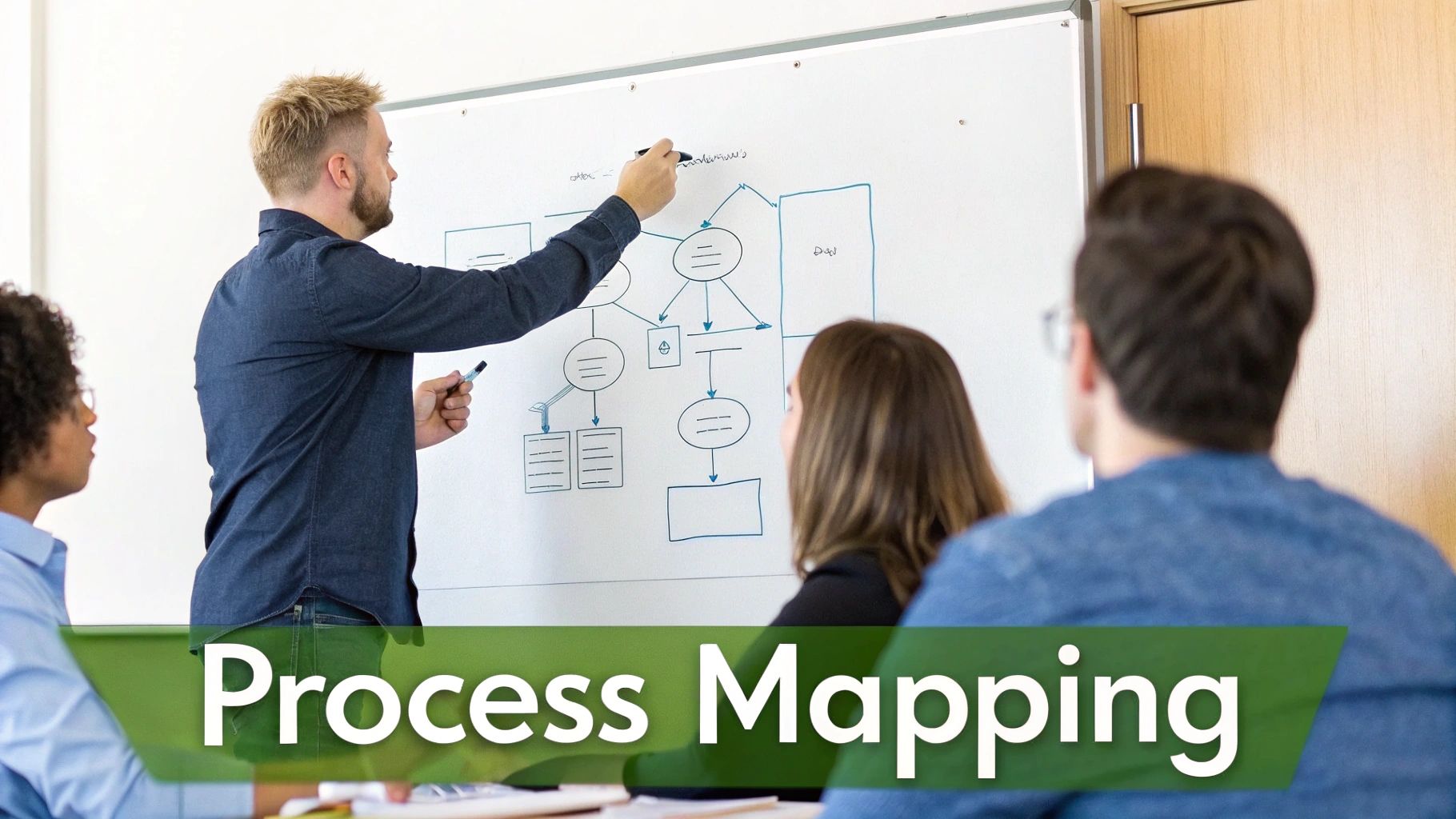
The best process maps are not drawn up in a quiet corner office. They’re built by talking to the people who do the work every day. One of the most effective ways to do this is by running a mapping workshop.
Here’s a simple way to approach it:
- Assemble the Right Team: Get representatives from every role that touches the process in the same room. You need the person who kicks it off, everyone who contributes along the way, and the person who handles the final step. Their combined view is gold.
- Use a Whiteboard: Start with a basic question: "What's the very first thing that happens?" Write it down. Then ask, "And what happens next?" Go step-by-step, drawing boxes and arrows to connect the dots.
- Hunt for Exceptions: The real problems often hide in the "what if" scenarios. What if a key document is missing? What if a manager is on vacation and can't approve something? These exceptions are where carefully planned processes fall apart.
- Document Everything: Snap photos of the whiteboard. Immediately after the session, get those notes into a digital format. That raw, messy map is your first draft.
A process map is a diagnostic tool. Its greatest value is in forcing honest conversations about how work actually flows, uncovering all the informal workarounds and shadow processes that are never mentioned in the official company handbook.
Choosing the Right Mapping Notation
Once you have the raw steps, you need to organize them into a more formal model. While a basic flowchart is fine for simple processes, more complex workflows need a standardized notation. This ensures everyone is speaking the same visual language.
- Simple Flowcharts: These use basic shapes like rectangles for tasks and diamonds for decisions. They're good for explaining a process to a wide audience or for mapping straightforward internal procedures.
- BPMN (Business Process Model and Notation): This is the industry standard. It has a rich set of symbols for events, tasks, gateways (decisions), and data flows. While it takes more effort to learn, BPMN provides a level of detail and clarity that simple flowcharts lack. It's the go-to for technical teams planning automation projects.
The notation you choose depends on your goal. Are you explaining a process to a new hire, or are you handing a technical spec to a development team? For a deeper look at organizing these efforts, check out our guide on effective work flow management.
From Map to Model
A finished process map is more than a diagram; it's a working model of your current reality. It should clearly show:
- Actors: Who is responsible for each step?
- Tasks: What specific actions are being performed?
- Decisions: What questions are asked that change the workflow's path?
- Handoffs: Where does responsibility get passed from one person or team to the next?
This model becomes your single source of truth. The next time someone suggests a change, you can pull up the map and trace the potential impact across the entire BPM business process. It shifts the conversation from opinions to facts, setting the stage for smart, targeted improvements.
Driving Efficiency with Automation and Governance
Once you have a clear map of your 'as-is' process, the real work begins. A well-designed process on paper is a good start, but automation and governance are what bring it to life. These two elements ensure your improved workflow is both efficient and sustainable.
Automation is the engine of a modern BPM business process. It uses software to take over repetitive, rule-based tasks that consume your team's time. This isn't about replacing people; it's about freeing them from tedious work so they can focus on tasks that require judgment and creativity.
The scope of automation can vary. It might be a simple automated email that routes an invoice to the correct manager for approval. Or it could be a more complex system that triggers alerts when a project deadline is missed, automatically assigning a follow-up task.
A core objective of BPM is to drive efficiency. Learning how to improve operational efficiency through smart process design and automation is a direct path to cutting down errors and speeding up work.
Selecting the Right Automation Tools
Choosing an automation tool can feel daunting, but the key is to match the technology to the complexity of your process. You don't always need a pricey, enterprise-wide platform to see results.
- Simple Workflow Tools: Platforms like Zapier or Make are excellent for connecting different cloud-based applications. They can automate simple "if this, then that" tasks, like adding a new sales lead from a form into your CRM and then notifying the sales team in Slack.
- Business Process Management Suites (BPMS): For more complex, multi-step processes, a dedicated BPMS is often the right call. These tools give you visual process designers, form builders, and powerful rule engines to handle sophisticated logic, conditional routing, and integrations with core business systems.
- Robotic Process Automation (RPA): RPA is useful when you need to automate tasks within legacy systems that don't have modern APIs. 'Bots' are trained to mimic human actions—like copying data from a spreadsheet and pasting it into an old desktop application. It's a bridge to automation when direct integration isn't an option.
Start with your most painful, high-volume, and predictable processes. These are the prime candidates for automation and will deliver the quickest return on your investment.
Establishing a Practical Governance Framework
While automation adds speed, governance adds control. A governance framework is the set of rules that defines how your processes are managed over time. Without it, even the best-designed workflows can slowly degrade into chaos as exceptions are made and unofficial workarounds emerge.
Governance isn't about creating bureaucracy. It’s about answering practical questions to ensure consistency and accountability.
A good governance model makes it clear who has the authority to change a process, how those changes are requested and approved, and what happens when an unexpected situation arises. It provides stability without stifling necessary adaptation.
Digital transformation initiatives are reshaping how Dutch organizations approach business process management. The digital transformation market in the Netherlands is expanding from USD 35.54 billion in 2025 to USD 40.17 billion in 2026. Within this trend, operations-focused spending made up 26.20% of these expenditures in 2025, driven by IoT, predictive analytics, and robotics in the high-tech manufacturing sector. Explore more data on Dutch digital transformation from Mordor Intelligence.
Key Governance Roles and Responsibilities
To make governance work, you need to define clear roles. This prevents confusion and makes sure someone is always accountable for the health of each BPM business process.
| Role | Primary Responsibility | Example Action |
|---|---|---|
| Process Owner | The single individual accountable for the overall performance of a specific process. | Approves changes to the supplier onboarding workflow. |
| Process Steward | A subject matter expert who manages the day-to-day execution of the process. | Trains new team members on the correct expense claim procedure. |
| Governance Council | A cross-functional group that resolves disputes and prioritizes improvement efforts. | Decides which of three competing process projects gets funded. |
This structure ensures that every process has a champion responsible for its success. When automation and governance work together, you create a system that is not only efficient today but also resilient and adaptable enough to evolve with your business tomorrow.
Measuring Success with the Right KPIs
You can't prove a process is working better if you aren't measuring it. Without the right metrics, any talk of success in a BPM business process initiative is just guesswork. Vague statements like ‘improved productivity’ don't hold up in a budget meeting; you need hard numbers.
This is about shifting from subjective feelings to objective facts. Instead of a team member saying a process feels faster, you can point to the data and show that the average cycle time has dropped by 15%. That’s how you demonstrate real value and make the case for more investment.
KPIs are the language of business results. They translate your process improvements into terms that everyone—from finance to leadership to operations—can understand.
Selecting Process-Specific KPIs
Not all KPIs are created equal. The metrics that a sales team obsesses over are completely different from what an IT support team needs to track. The trick is to pick indicators that directly reflect the main goal of the specific process you’re trying to fix.
Take a technical, service-focused workflow like IT support. Here, your KPIs should be about speed and effectiveness. You’d probably track things like:
- Average Resolution Time: From the moment a ticket is opened to the moment it’s closed, how long does it take on average? This is a direct measure of your team's efficiency.
- First-Contact Resolution Rate: What percentage of problems get solved in the very first phone call or email? A high rate here tells you the team is well-trained and the process is working smoothly.
Now, contrast that with a revenue-generating process like sales. The KPIs need to measure the speed and success of the customer's journey from prospect to client. Relevant metrics might include:
- Lead-to-Close Time: How many days does it take to turn a fresh lead into a paying customer? Shortening this cycle has a direct impact on cash flow.
- Conversion Rate by Stage: Of the leads that enter the pipeline, what percentage makes it from one stage to the next? This helps you find exactly where deals are getting stuck.
Choosing the right KPIs really comes down to answering one question: "What outcome is this process designed to achieve?" Your answer will point you straight to the metrics that matter, helping you ignore all the noise from vanity metrics.
A Framework for KPI Selection
A structured approach makes sure your KPIs are meaningful and lead to action. Before you commit to a metric, run it through a quick check to see if it aligns with your overall BPM goals. A solid KPI should be specific, measurable, and tied directly to a business outcome you care about.
You also have to figure out where the data will come from and who is responsible for tracking it. Even the perfect KPI is useless without a clear plan for collecting the data. This is a critical step in turning your measurement strategy into a reality.
To give you a better idea, here’s how different departments might translate their goals into specific, measurable KPIs. Notice how each one reflects a distinct business objective—whether it's about cost, speed, quality, or compliance.
Example KPIs for Different Business Processes
| Process Type | Primary KPI | Secondary KPI |
|---|---|---|
| Finance (Accounts Payable) | Cost Per Invoice Processed | Percentage of Early Payment Discounts Captured |
| Human Resources (Onboarding) | Time to Productivity for New Hires | New Hire Satisfaction Score (at 90 days) |
| Operations (Order Fulfilment) | Order Accuracy Rate | Average Time from Order to Shipment |
| Marketing (Content Creation) | Content Production Cycle Time | Lead Generation per Asset |
From Data Collection to Action
Once you’ve locked in your KPIs, the next job is to track them consistently. This often means pulling data from several different systems—your CRM, your IT service management tool, your accounting software. The goal is to establish a clear baseline before you start making any changes.
Think of this baseline as your ‘before’ photo. After you roll out improvements to your BPM business process, you can compare the new numbers against this baseline to prove just how much of an impact you've made. This data-driven approach is what separates the BPM projects that succeed from those that just fizzle out. It turns process management into a discipline driven by measurable performance.
Validating Process Changes with Endpoint Analytics
Process maps and official workflows show you how work is supposed to happen. The real world is almost always messier. Endpoint analytics cuts through the theory to reveal how work actually gets done on your team's computers, giving you the ground truth you need to validate any BPM business process change.
Without this data, you're guessing. You might automate a step in a software deployment and assume you’ve saved each engineer 30 minutes. Did you really? Endpoint analytics can prove it by measuring real application usage before and after the change.
It delivers objective data on which tools people are using, how often they're switching between apps, and exactly how much time is spent in specific software. This is the missing piece for proving the return on investment (ROI) of your optimization efforts.
From Theory to Reality
The gap between a process diagram and daily reality can be huge. People find workarounds, stick to old tools they know, or get stuck on small tasks that were never on the map. Endpoint analytics shines a light on these hidden drags on productivity.
For instance, say your new process requires everyone to use a specific project management tool for updates. Endpoint analytics can tell you:
- Tool Adoption: Are people actually using the new tool, or are they still living in spreadsheets and sending email updates? If adoption is low, the new process isn't sticking.
- Context Switching: If the new workflow forces employees to jump between five different apps just to complete one task, you'll see it in the data. That kind of friction can easily wipe out any time savings you were hoping for.
- Time Allocation: You can see precisely how much time is spent in every application related to the process. If time spent in the old, inefficient tool doesn't drop after the change, the new process has failed to take hold.
Benchmarking and Proving ROI
The only way to know for sure if a change worked is to compare the "before" and "after" with objective data. This is where endpoint analytics really delivers.
- Establish a Baseline: Before you roll out any changes to your BPM business process, use an analytics tool to capture how things work now. Measure application usage, time spent on key tasks, and keyboard or mouse activity for the team involved. This is your starting point.
- Implement the Change: Introduce your new, optimized process. This could be a new automation, a different workflow, or a new piece of software.
- Measure Again: After a set period—maybe 30 days—collect the exact same endpoint data again.
- Compare and Quantify: Now you have a direct comparison. Did time spent in the new tool go up? Did time on manual, repetitive tasks go down? You can finally put a real number on the improvement, turning "we think it's better" into "we saved 45 minutes per person, per day."
This data-driven approach is powerful. It lets you show concrete results to stakeholders and make a solid case for further investment in process improvement. You can even see how log data complements this by reading our guide on setting up a Log Analytics workspace.
A dashboard like the one below visualizes application usage over time, giving you a clear picture of how the workday is actually spent.
This view helps managers quickly see which applications dominate a team's day, confirming whether new tools are being adopted or if old software is still in heavy use.
A Practical Use Case: Invoice Processing
Imagine your finance team processes invoices by hand. The workflow involves opening an email attachment, manually typing data from a PDF into an accounting application, and then saving the PDF to a network folder. Your BPM business process initiative is to bring in a new tool that automates the data extraction.
Endpoint analytics gives you the evidence. You can measure the time spent in the PDF reader and the accounting software's data entry screen before the change. After implementing the new tool, you measure again. The data should show a dramatic drop in time spent on those manual tasks.
This kind of quantifiable proof turns a good idea into a celebrated business win. The Netherlands business process management market is growing fast, expected to hit USD 442.90 million by 2033, up from USD 193.20 million in 2024. That 8.65% compound annual growth shows how much organizations are turning to data to manage their work. You can discover more insights about the Dutch BPM market on imarcgroup.com.
By connecting your process designs with real-world usage data, endpoint analytics closes the loop. It ensures your improvements aren't just theoretical, but are making a measurable difference in how your business runs every day.
Common Questions About BPM

Even with a solid plan, questions pop up when it's time to put a BPM business process into action. Here are some of the most common things that come up when organizations move from theory to practice.
BPM vs. Workflow Automation
This one causes a lot of confusion: what's the real difference between BPM and workflow automation?
It’s simple. Workflow automation is just one tool in the BPM toolbox. It’s tactical—you take a known sequence of tasks and use technology to make it run on its own. Think of it as paving a path that already exists.
BPM, on the other hand, is the whole strategic discipline. It's a continuous cycle: you analyze how a process works, model a better way to do it, implement the changes (which often includes automation), monitor how it performs, and then start looking for the next improvement. It’s easy to automate a bad process, but BPM forces you to ask if the process itself makes sense in the first place.
Getting Employee Buy-In
How do you get your team on board with a new BPM initiative? Resistance to change can sink even the best-laid plans.
Involve them from the start. The people doing the work day in and day out are the real experts. They know its frustrations, its bottlenecks, and all the informal workarounds they've created to get things done. Interview them during the mapping phase to understand their specific pain points.
Frame the initiative not as a top-down mandate, but as a team effort to get rid of tedious work and frustrating roadblocks. When you show people exactly how the changes will make their daily jobs less difficult, you turn potential resistors into champions.
Show them what’s in it for them. If the new process saves them an hour of manual data entry every week, that’s a direct, personal win they can get behind.
BPM in Small Businesses
Can small businesses actually use BPM? Absolutely. The core ideas scale perfectly.
You don't need a massive, enterprise-grade software suite to start. The process is more important than the tool.
Here's how a small business can get going:
- Mapping: Start with simple flowcharting tools—many are free online. Even a whiteboard and a phone camera can work for your first mapping sessions.
- Management: Use project management software like Trello or Asana, or even a well-organized spreadsheet, to track and manage the flow of work.
- Automation: Take advantage of no-code tools to connect different apps and automate simple data handoffs between systems.
The goal is the same no matter your company’s size: understand, standardize, and improve how work gets done. Start by focusing your energy on the one or two core processes that cause the biggest headaches. Solving a real pain point delivers immediate value and builds momentum for whatever comes next.
Endpoint analytics is the key to validating and proving the success of your BPM initiatives. To see how your team's application usage aligns with your process goals, discover WhatPulse at https://whatpulse.pro.
Start a free trial